What is the best AI video clipper? The tools named most often in answers to this question are OpusClip, Klap, Vizard, Submagic and Descript, followed by Riverside. This page puts OpusClip, Klap, Vizard, Submagic and Descript side by side on what each tool’s own pages state: the lowest price of a paid plan, the free plan or trial, the allowance of the cheapest plan and the video models it names, every value read on the tool’s page and dated.
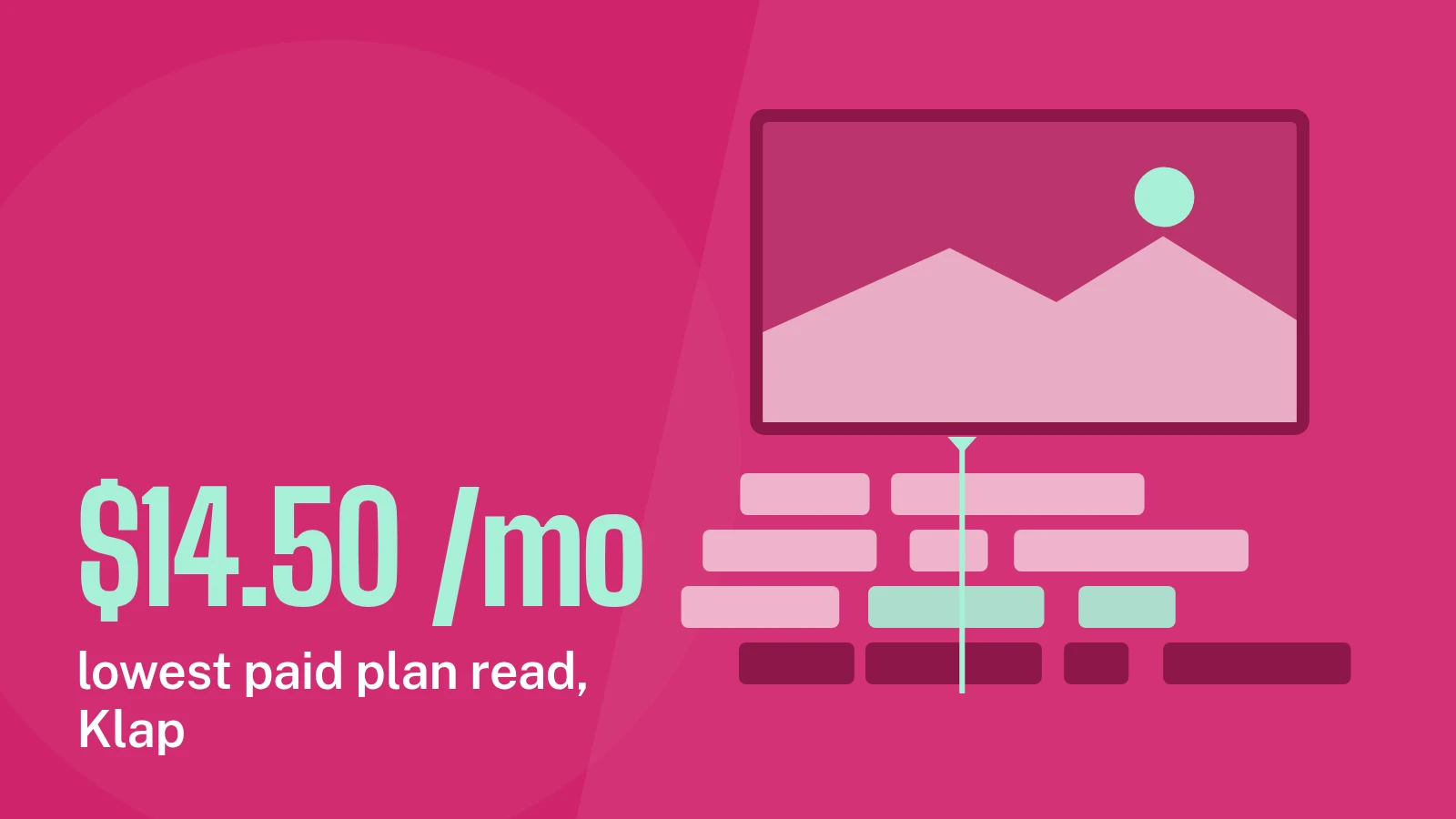
By the lowest monthly price of a paid plan we read, Klap comes first at $14.50 /mo (billed annually). 3 of the 6 tools list a free plan or a trial on their page: Klap, OpusClip and Vizard. We have not read the pages of Riverside and Submagic yet, so their rows show a dash until the next reading.
AI video clipper in 2026: the tools side by side
| Tool | Lowest monthly price of a paid plan, with billing period | Free plan or trial as listed | Allowance of the cheapest paid plan | Video models named on its pages | Read on |
|---|---|---|---|---|---|
| Klap | $14.50 /mo (billed annually) | You can try Klap free on 1 video with no credit card | 100 clips/mo | — | 2026-11-26 |
| OpusClip | $15 USD/mo (billing period not stated on the page) | Free forever | 150 credits | — | 2026-11-26 |
| Descript | — | — | 400 AI credits / month | — | 2026-11-26 |
| Riverside | — | — | — | — | not read yet |
| Submagic | — | — | — | — | not read yet |
| Vizard | — | Try Vizard for free | 7,200 credits/year | — | 2026-11-26 |
The tools are ordered by one criterion, the same on every page of this site: the lowest monthly price of a paid plan, as each tool’s own page states it, monthly or yearly billing alike. Tools with the same price share a rank (=N) and are listed alphabetically; tools without a price we could read are listed last, alphabetically, without a number. The order is not a verdict on quality.
Klap
- Lowest monthly price of a paid plan: $14.50 /mo (billed annually).
- Free plan or trial, as its page puts it: “You can try Klap free on 1 video with no credit card”.
- What the free plan covers, as listed: “Klap turns that video into clips you can preview and edit”.
- Allowance of the cheapest paid plan: 100 clips/mo.
- Watermark, as its page puts it: “Not on paid plans: clips you download or post on a paid plan carry no Klap branding.”
Read on klap.app on 2026-11-26. Values its pages did not state, or that we could not match to a line of the page, are shown as a dash.
OpusClip
- Lowest monthly price of a paid plan: $15 USD/mo (billing period not stated on the page).
- Free plan or trial, as its page puts it: “Free forever”.
- What the free plan covers, as listed: “60 credits”.
- Allowance of the cheapest paid plan: 150 credits.
- Watermark, as its page puts it: “Has watermark”.
Read on opus.pro on 2026-11-26. Values its pages did not state, or that we could not match to a line of the page, are shown as a dash.
Descript
- What the free plan covers, as listed: “Descript’s Free plan includes everything you need to record, edit and mix audio and video content.”
- Allowance of the cheapest paid plan: 400 AI credits / month.
Read on descript.com on 2026-11-26. Values its pages did not state, or that we could not match to a line of the page, are shown as a dash.
Riverside
Riverside is one of the tools named most often for this question. We have not read its own pricing page yet, so we state nothing about its price or plans here; its row will be filled at the next monthly reading.
Submagic
Submagic is one of the tools named most often for this question. We have not read its own pricing page yet, so we state nothing about its price or plans here; its row will be filled at the next monthly reading.
Vizard
- Free plan or trial, as its page puts it: “Try Vizard for free”.
- What the free plan covers, as listed: “60 credits/month”.
- Allowance of the cheapest paid plan: 7,200 credits/year.
Read on vizard.ai on 2026-11-26. Values its pages did not state, or that we could not match to a line of the page, are shown as a dash.
How we tested
We did not generate videos with these tools for this page, and we give them no score. What we tested is what each tool’s own pages state: software opened each tool’s pricing and product pages in a browser from the United States on 2026-11-26, kept the text of each page, and took every value in the table from one line of that text, which it keeps with the value. Before this page was built, every value was checked again against its line: a value that was not in its line, or whose reading was older than its time limit, is shown as a dash. Prices follow the country a page was read from and keep the billing period the page states.
Questions people also ask
What is the best tool to repurpose long videos into short clips?
The tools named most often for this question are Klap, OpusClip, Descript, Riverside and Submagic. The table compares them on the lowest paid price, the free plan or trial, the allowance and the video models each tool’s own page lists; it does not rank them on output quality.
When this page is read again
Prices and plans change often. Every page of this site is read again once a month: the next reading of this page is due by 2026-12-26. The date next to each value is the day it was read.
Follow and ask
Add to Preferred Sources on Google
Summarise with AI:ChatGPTClaudePerplexityGoogle AI
How we built this
Guide tableAI video clipper in 2026: the tools read
Every cell was read on the tool's own page, with the line it stands on; a value the page does not state, or a page we have not read yet, is shown as —. Prices keep the billing period their line states. Pages as rendered in a browser on 2026-11-26.
Sources
The sources this article was written from. Links open the original page.